
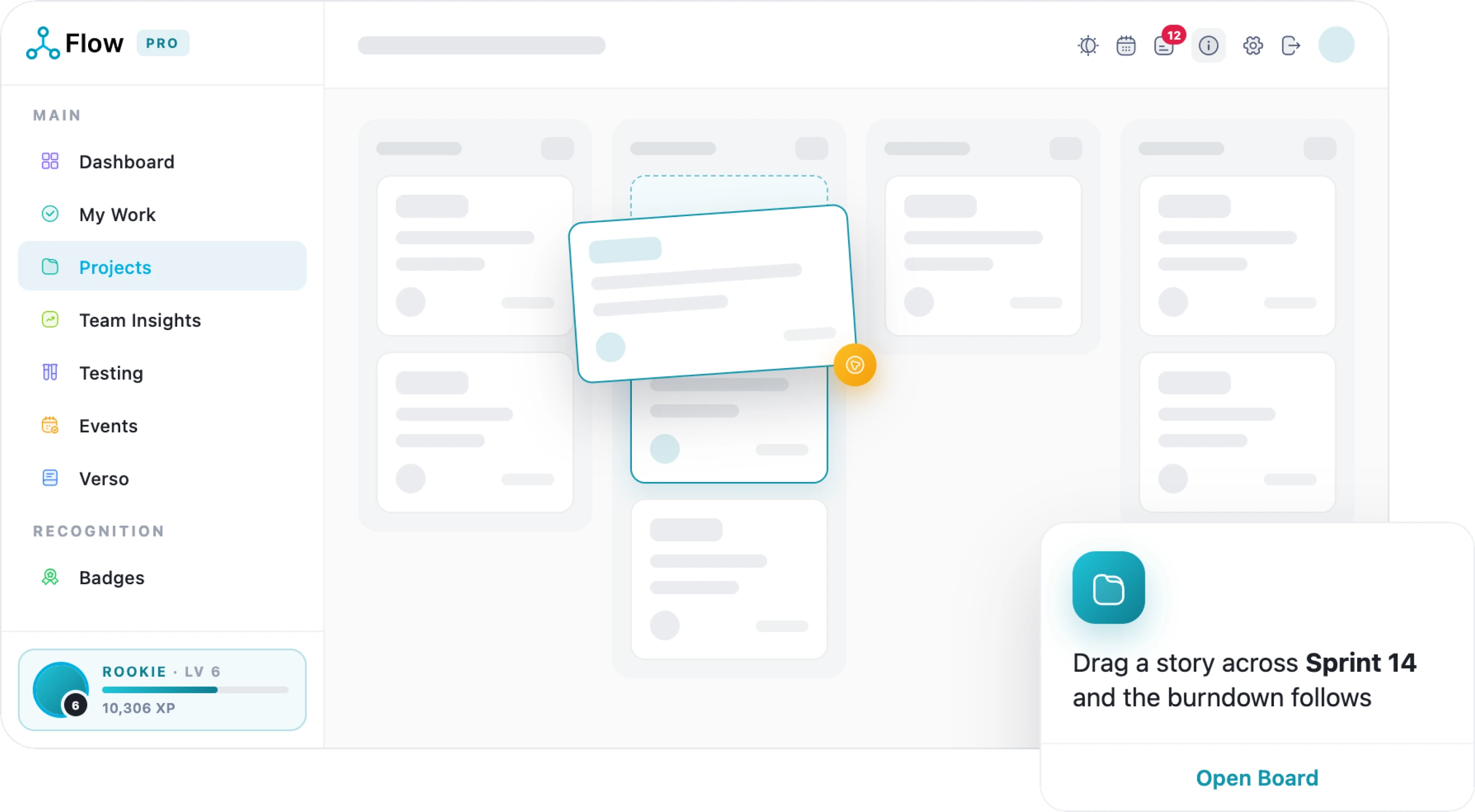
A board that moves when your team does
Drag-and-drop kanban with live updates and presence, plus a full ticket panel, subtasks, relationships, and bulk changes you can undo in one click.
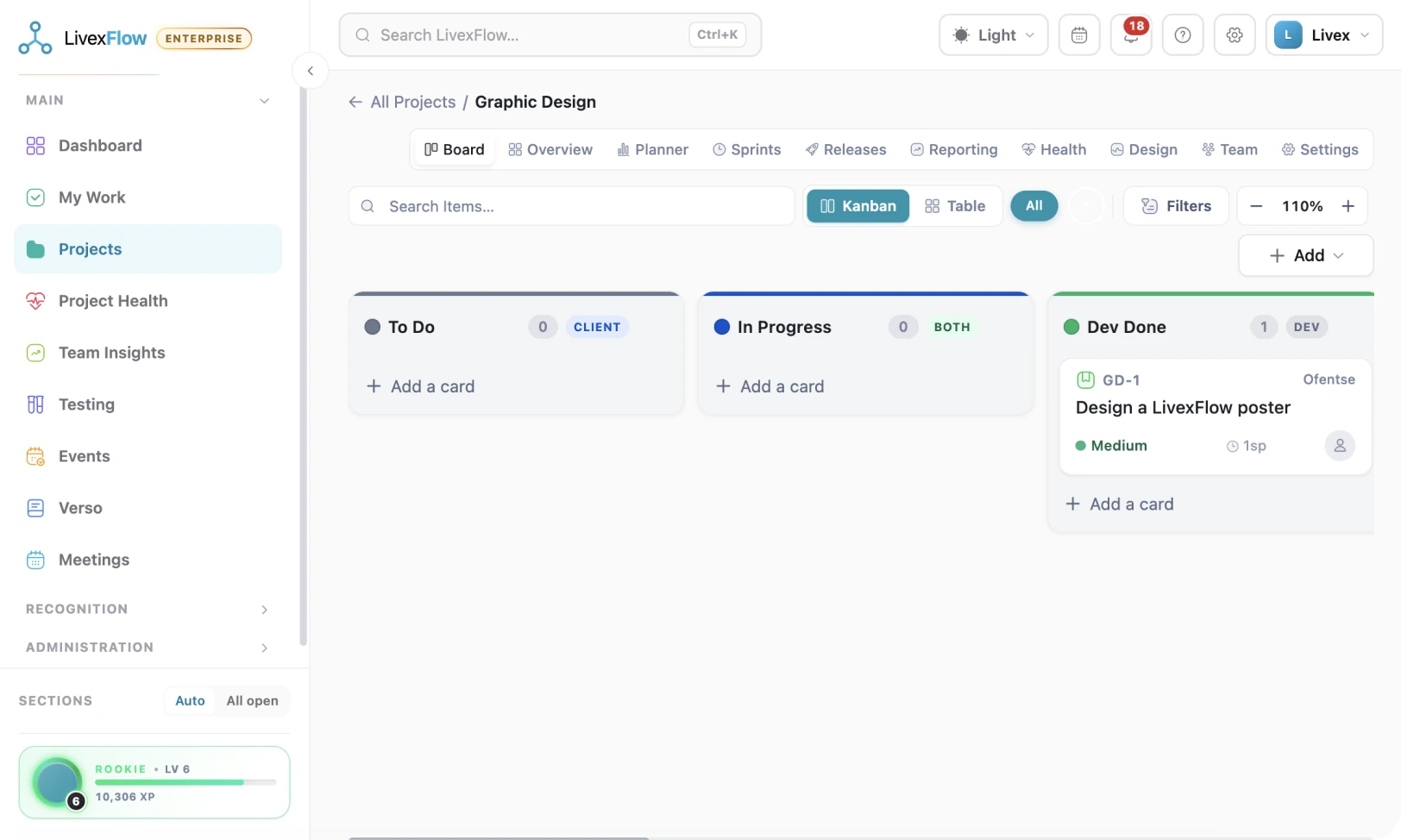
Everyone opens to their own plan
My Board pulls every ticket into one focused list
Beyond the shared board, each teammate gets a daily planner and My Work, their tickets across every project in one place, dragged into the order they will actually do them.
- Live presence
- Daily planner
- Full ticket panel
Six formats in. Four formats out
Arrive from Trello, CSV or JSON with a preview step. Leave any time in four formats. Your board is never held hostage.
-

Import with a preview
Trello boards, CSV and JSON, plus Flow’s own XLSX / CSV / JSON templates, see exactly what will be created before anything lands.
-

People matched, not lost
Names in the file are matched to Flow accounts, and anyone missing can join the team on the spot.
-

Imports run in the background
Long imports keep going while you work, with live progress and a cancel button.
-

Export in four formats
Excel, CSV, JSON or a formatted PDF, your column choices are remembered for next time.
LivexFlow pricing
Start free. Yes, Freeee!
Grow when the work does
Simple, transparent pricing per person, per month, all in rand. Save 20% when you choose annual billing and get more value from every seat.
-
Free
R0
Kick off your first project
Start Free -
Team
R199
Unlimited projects for your whole team
See what’s inside -
Most Popular
Pro
R349
The full delivery engine, with proof
See what’s inside -
Enterprise
R697
Governance for larger portfolios
See what’s inside
The full index, Tickets & Boards
Everything in the box
-
Kanban board
Drag-and-drop ticket board with configurable columns, colours and a custom background.
-
Unified “Add” menu
One consistent Add button across Board, Planner and Sprints for tickets, sprints, epics, milestones and issues.
-
Assignee & tester assignment
Set who is building and who is testing each ticket.
-
Column management
Add, rename, recolour, reorder and delete columns, with a preview of what deletion would affect.
-
Labels & tags
Colour-coded labels per project, applied to tickets.
-
Ticket relationships
Link tickets to each other, view the relationship map, unlink, and move related tickets together.
-
Safe column deletion
Deleting a column requires choosing where its tickets go, and the bulk move can be undone.
-
Ticket visibility control
Each ticket is internal by default and must be explicitly published to the client board.
-
Merge tickets
Combine duplicate tickets into one, preserving history.
-
Column visibility scope
Each column can be marked Dev-only, Client-only, or visible to both.
-
Full ticket panel
A slide-out panel with the whole ticket: description, assignee, tester, dates, priority, estimates, attachments, comments and history.
-
Watching a ticket
Follow a ticket to receive notifications on any change.
-
Quick add ticket
Create a ticket directly on the board without leaving the page.
-
Subtasks
Break a ticket into checklist-style subtasks and move them as a group.
How LivexFlow Works
One short walkthrough, from setting a project up to shipping it.
What makes us unique
Why choose LivexFlow
-

21
Modules, one platform
-

99.98%
Uptime, SA-hosted
-

POPIA
Compliant
-

ISO 27001
Certified · audited by BSI