
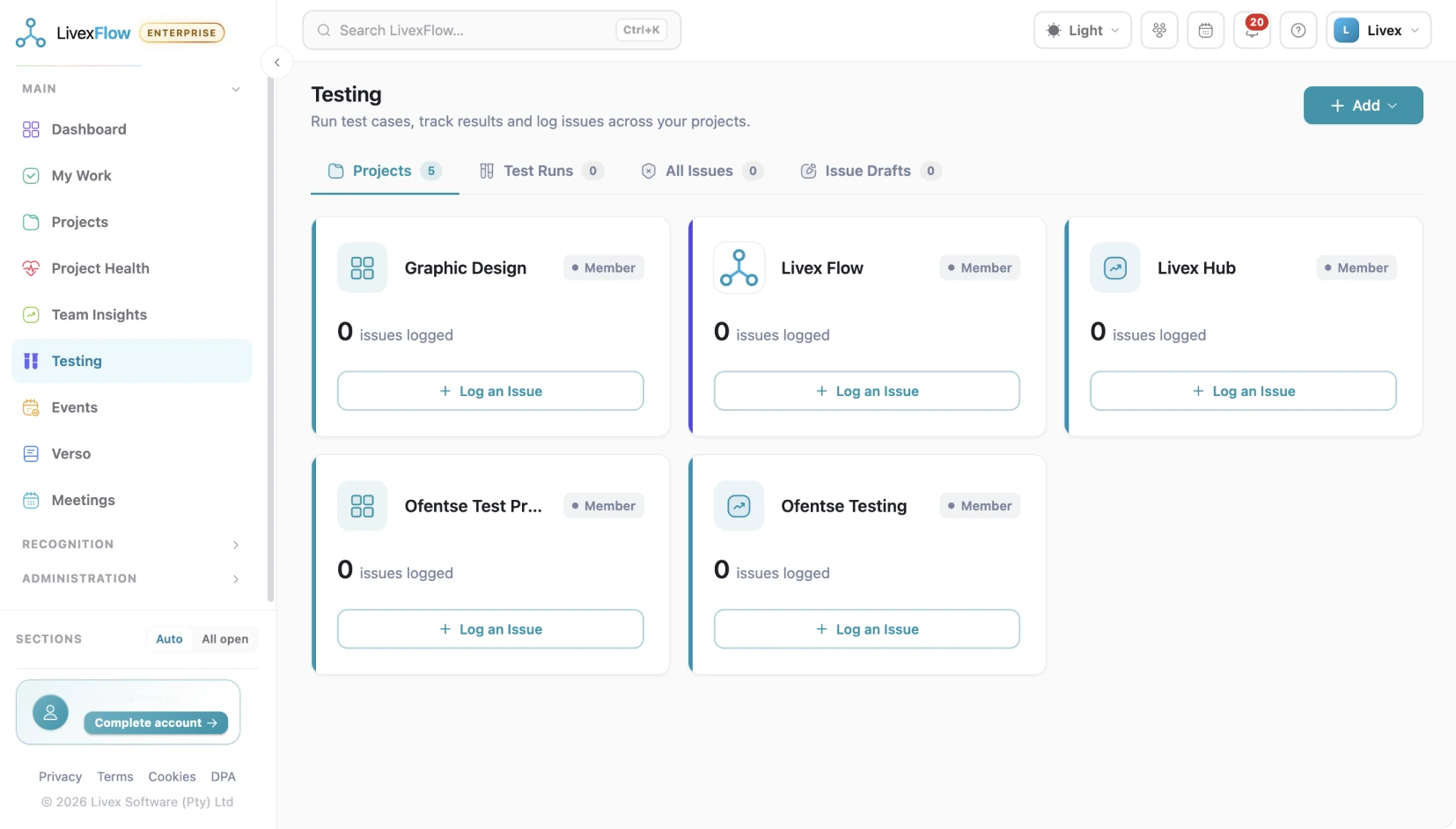
QA with a paper trail nobody can quietly edit
Test runs, client approvals and rejections, each one recorded, routed by your workflow, and sealed as a tamper-evident document anyone can verify.
What makes us unique
Why choose LivexFlow
-

Per ticket
Pass / fail / blocked verdicts
-

Sealed
Sign-off & evidence records
-

Logged
Verification audit trail
-

4
Export formats Excel · CSV · JSON · PDF
Verdicts you can hand to an auditor
One run moves from kickoff to sealed record: testers log pass, fail or blocked per ticket, a failure becomes a ticket and routes itself down your workflow, then a test report for the run, a sign-off record for an approval and a rejection record are issued as formal, printable documents. Each carries a cryptographic seal computed from the underlying data, so alteration is detectable. Anyone holding a document can upload or look it up to confirm it is genuine, and every verification attempt is itself recorded.
- Sealed sign-off
- Tamper-evident seal
- Genuine · unaltered
- Every check logged
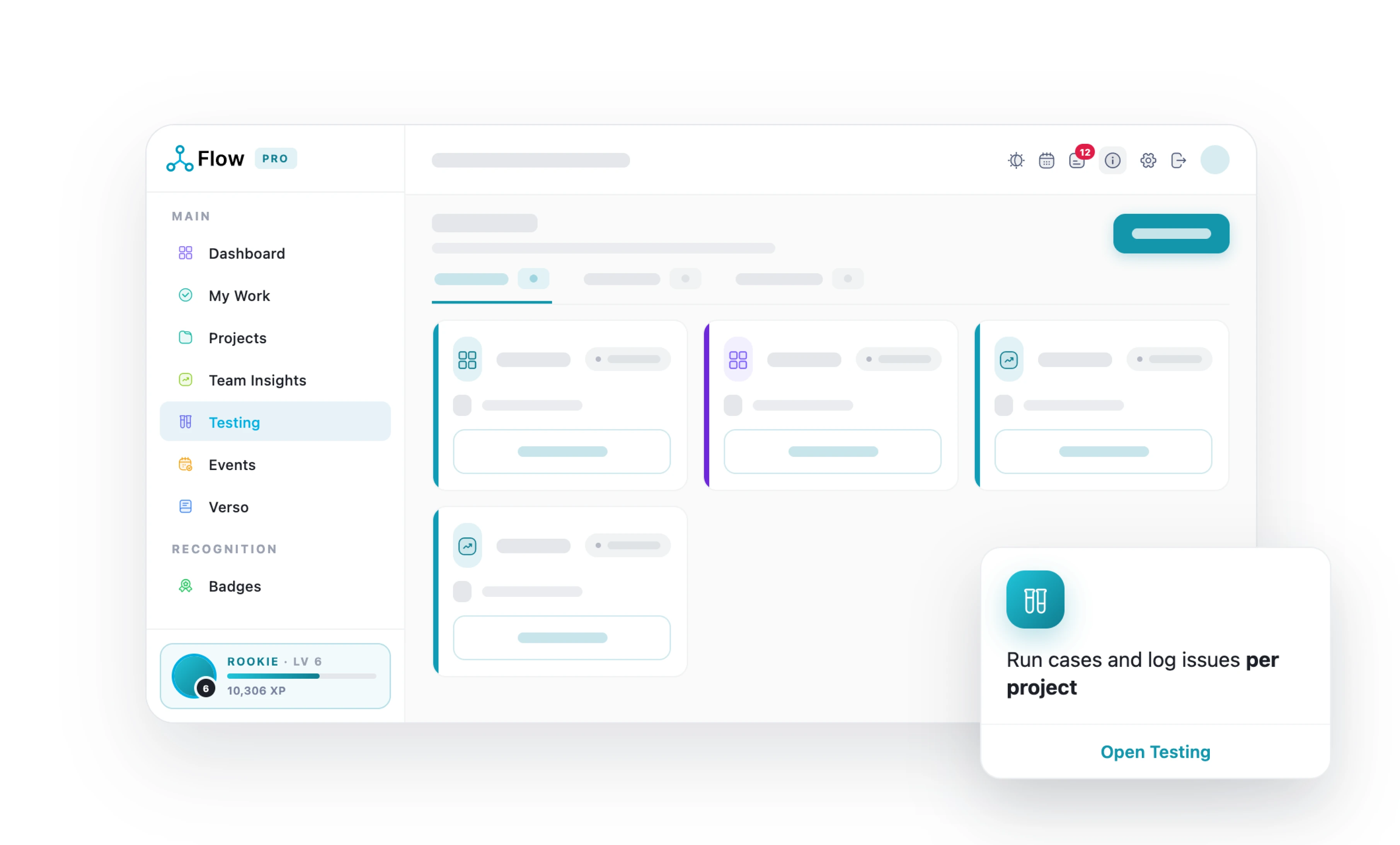
Testing, QA & Sign-off
Everything in the box
+12 more inside the app, start free
-
Testing hub
Central view of testing across every accessible project.
-
Test run timer
Records how long testing actually took, with a live on-screen timer.
-
Client testing portal
A screen where the client reviews completed work and approves or rejects each item.
-
Test run creation wizard
Set up a test run: name it, pick the project, choose the tickets and assign the testing team.
-
Per-ticket test results
Testers record pass / fail / blocked per ticket, with notes.
-
Client approval / rejection
Formal per-ticket sign-off, with a rejection reason captured.
-
Test run lifecycle
A run moves Draft → Active → Completed, with explicit start, cancel and complete actions.
-
Amend a result
Correct a submitted result; the original is kept in the history and any points awarded are reversed.
-
Sign-off history
All approvals and rejections recorded against a ticket over time.
-
Edit a run in flight
Add or remove tickets and change the testing team while a run is still open.
-
Failure log
Records and displays every recorded test failure against a ticket.
-
Test execution report
A formal, printable report for a completed test run.
-
Multi-tester runs
A run can be shared across several testers rather than owned by one person.
-
Ticket test history
Full chronological testing history for any ticket.
LivexFlow pricing
Start free. Yes, Freeee!
Grow when the work does
Simple, transparent pricing per person, per month, all in rand. Save 20% when you choose annual billing and get more value from every seat.
-
Free
R0
Kick off your first project
Start Free -
Team
R199
Unlimited projects for your whole team
See what’s inside -
Most Popular
Pro
R349
The full delivery engine, with proof
See what’s inside -
Enterprise
R697
Governance for larger portfolios
See what’s inside
Keep exploring LivexFlow
See how LivexFlow turns everyday project management into a smoother, smarter experience.


