
The whiteboard that writes the backlog
Sketch features, journeys and architecture on a free-form canvas, then let AI turn the flowchart into proposed development tickets you review before they land.
What makes us unique
Why choose LivexFlow
-

21
Modules, one platform
-

99.98%
Uptime, SA-hosted
-

POPIA
Compliant
-

ISO 27001
Certified · audited by BSI
From workshop sketch to
sprint-ready in one review
- Canvas
- AI proposes
- You approve
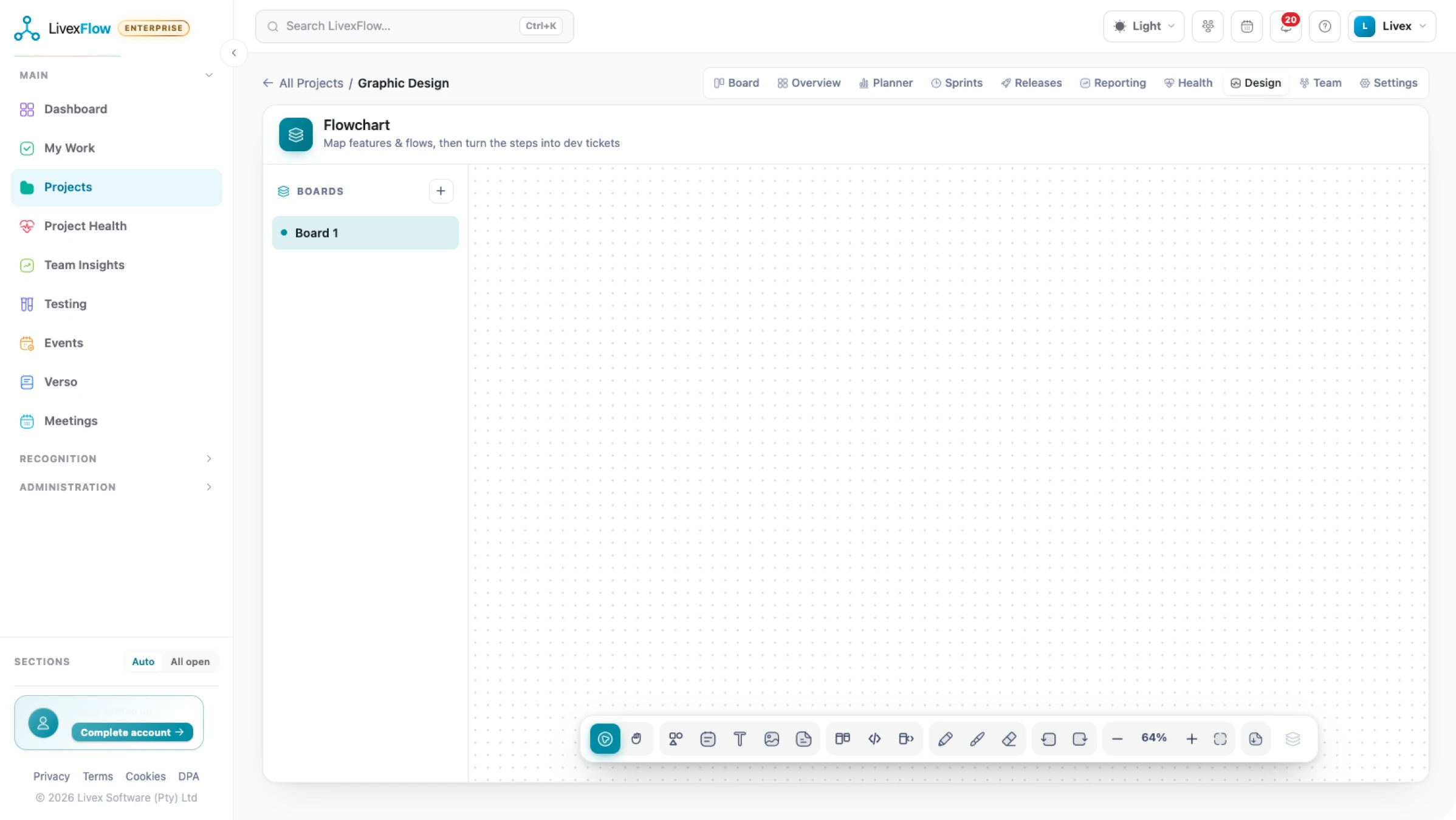
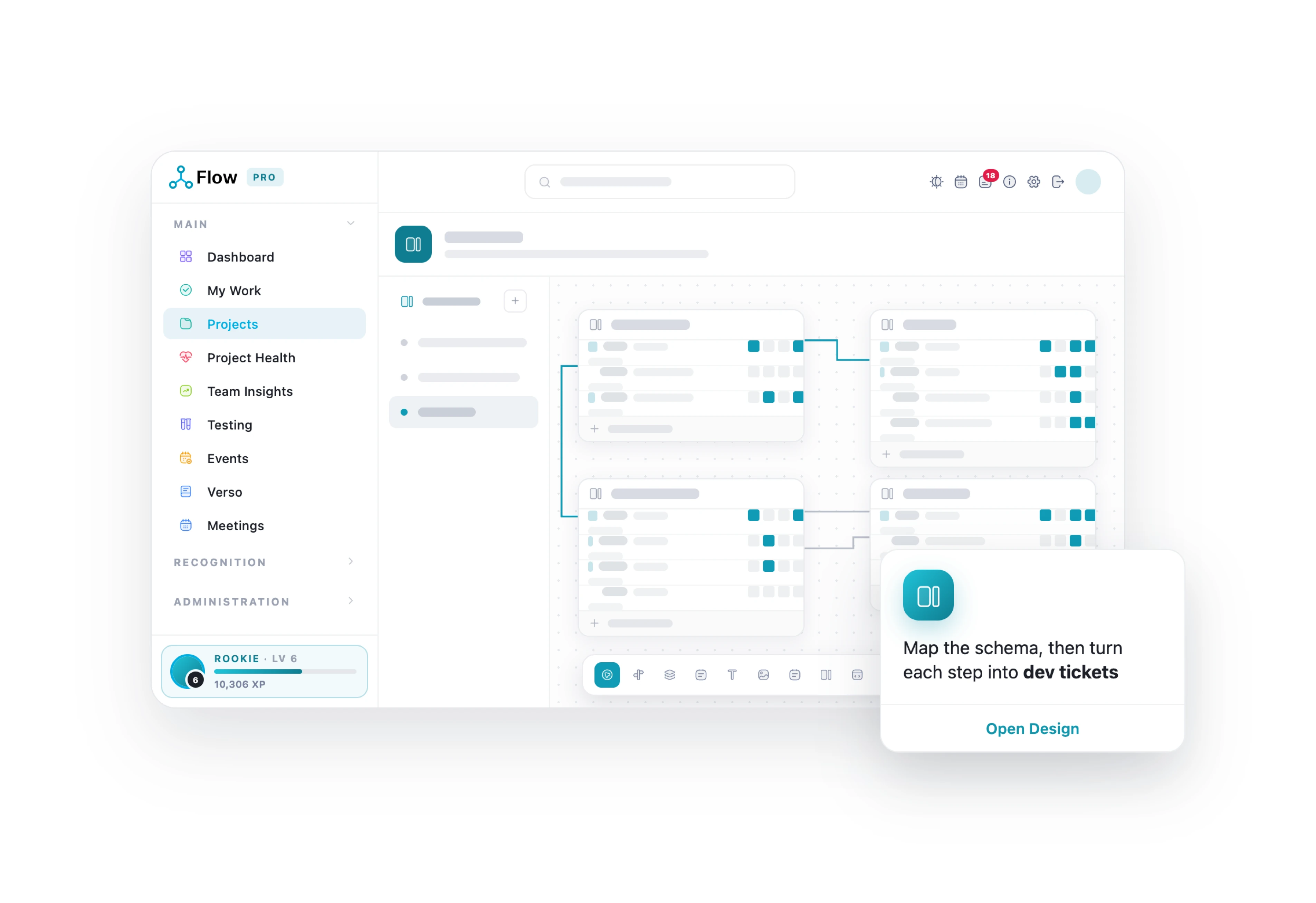
Draw the feature as boxes and arrows, the way you already think. AI proposes tickets with titles and descriptions drawn from the diagram, and can break an existing ticket into subtasks the same way. Approve, edit or discard each one, then Flow writes them into the backlog.
The design canvas
Sketch the feature the way you already think it
A free-form canvas per project for process maps, user journeys and architecture sketches, boxes, connectors and images. Spin up as many canvases as you need, one per feature, flow or workshop, and create, rename or delete them freely.
How LivexFlow Works
One short walkthrough, from setting a project up to shipping it.
LivexFlow pricing
Start free. Yes, Freeee!
Grow when the work does
Simple, transparent pricing per person, per month, all in rand. Save 20% when you choose annual billing and get more value from every seat.
-
Free
R0
Kick off your first project
Start Free -
Team
R199
Unlimited projects for your whole team
See what’s inside -
Most Popular
Pro
R349
The full delivery engine, with proof
See what’s inside -
Enterprise
R697
Governance for larger portfolios
See what’s inside
Draw it. Ship it.
From sketch to backlog without the re-typing.
-

Think the way you already think
A flexible, free-form canvas for creating boxes, arrows and visual connections. Build clear process maps, customer journeys and architecture sketches, adding images wherever they help bring ideas, workflows and concepts to life.
-

The backlog writes itself
AI reads your flowcharts and turns visual ideas into actionable development tickets. It can also break existing tickets into clear, manageable subtasks, helping your team move from planning to execution faster, powered by Azure OpenAI.
-

You stay the editor
Every AI proposal stays under your control. Review, approve, edit or discard each suggestion before it reaches the backlog, ensuring only the tickets your team wants are added.
-

Diagrams that stay alive
Link canvas nodes directly to real tickets and keep everything connected to the work behind it. Embed the canvas live in Verso, so changes stay synced and up to date instead of becoming outdated documentation.
Keep exploring LivexFlow
See how LivexFlow turns everyday project management into a smoother, smarter experience.
