
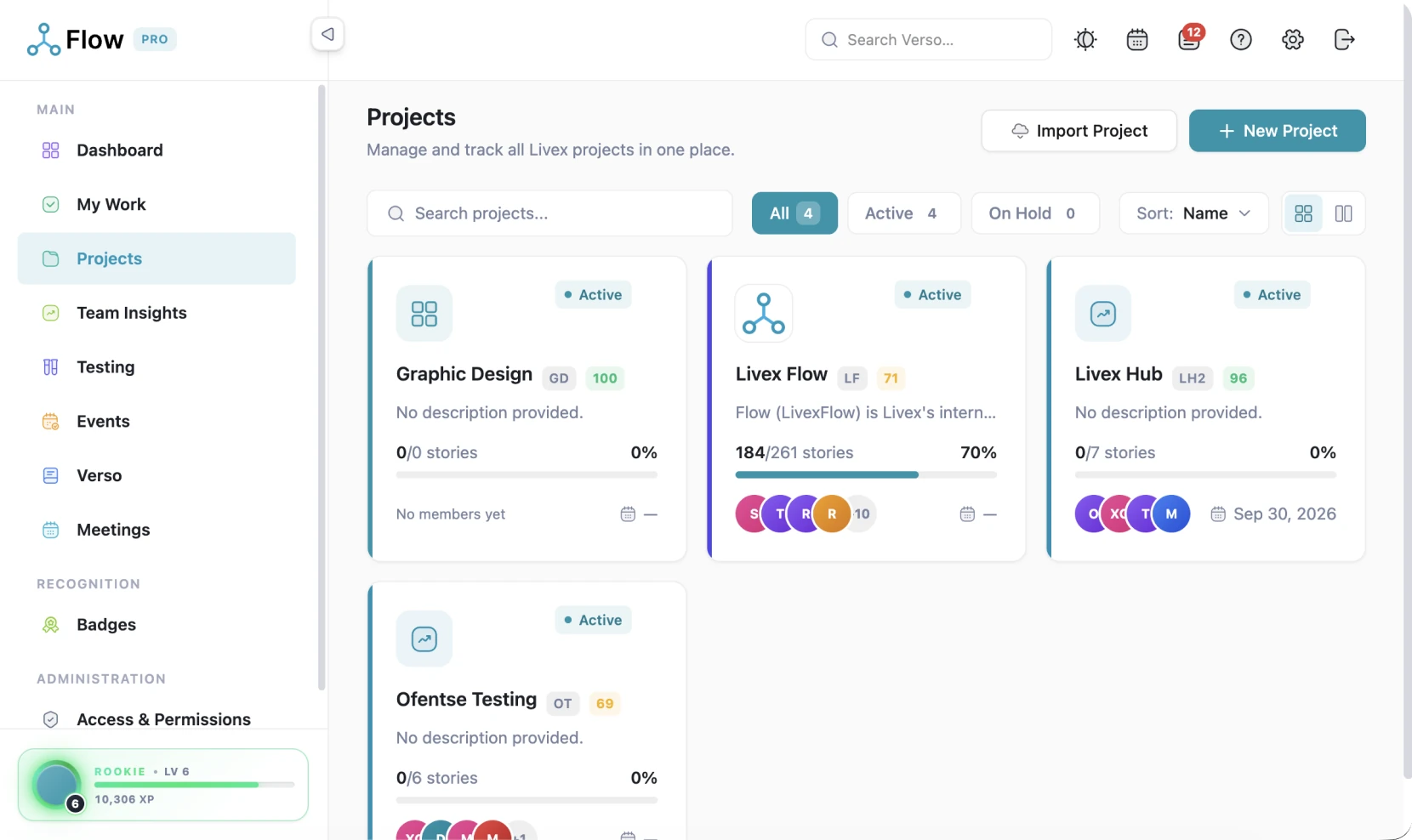
Projects that set themselves up
A guided wizard creates the project, and Flow provisions the board columns, issue types, workflow and knowledge-base space behind it. You start on the work, not the admin.
A project you can hand to anyone
Nothing about the project lives in someone’s head. Codes, branding, history and delivery status all sit on the project itself.
- Every ticket carries the project’s short code, ACME-101, auto-generated and editable
- Pin favourites to the top, your grid-or-list preference is remembered
- Project logo and custom board background make each space unmistakable
- A full audit log of changes to the project itself
- Deletion archives rather than destroys, nothing is ever silently lost
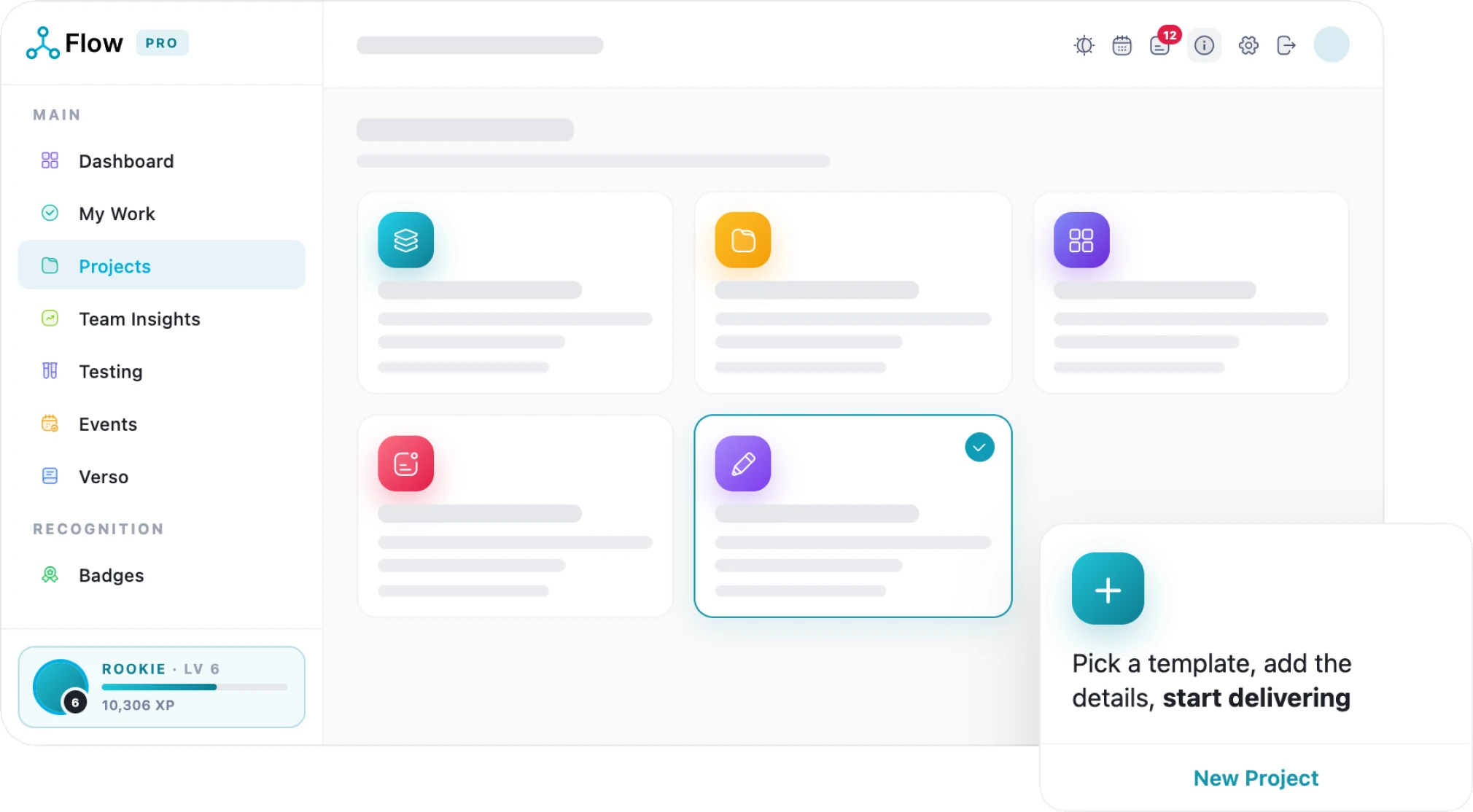
Keep Your Projects Healthy And Moving
Track progress, spot potential issues and keep every project moving in the right direction
- Track Progress
- Spot Risks
- See Workload
- Track Performance
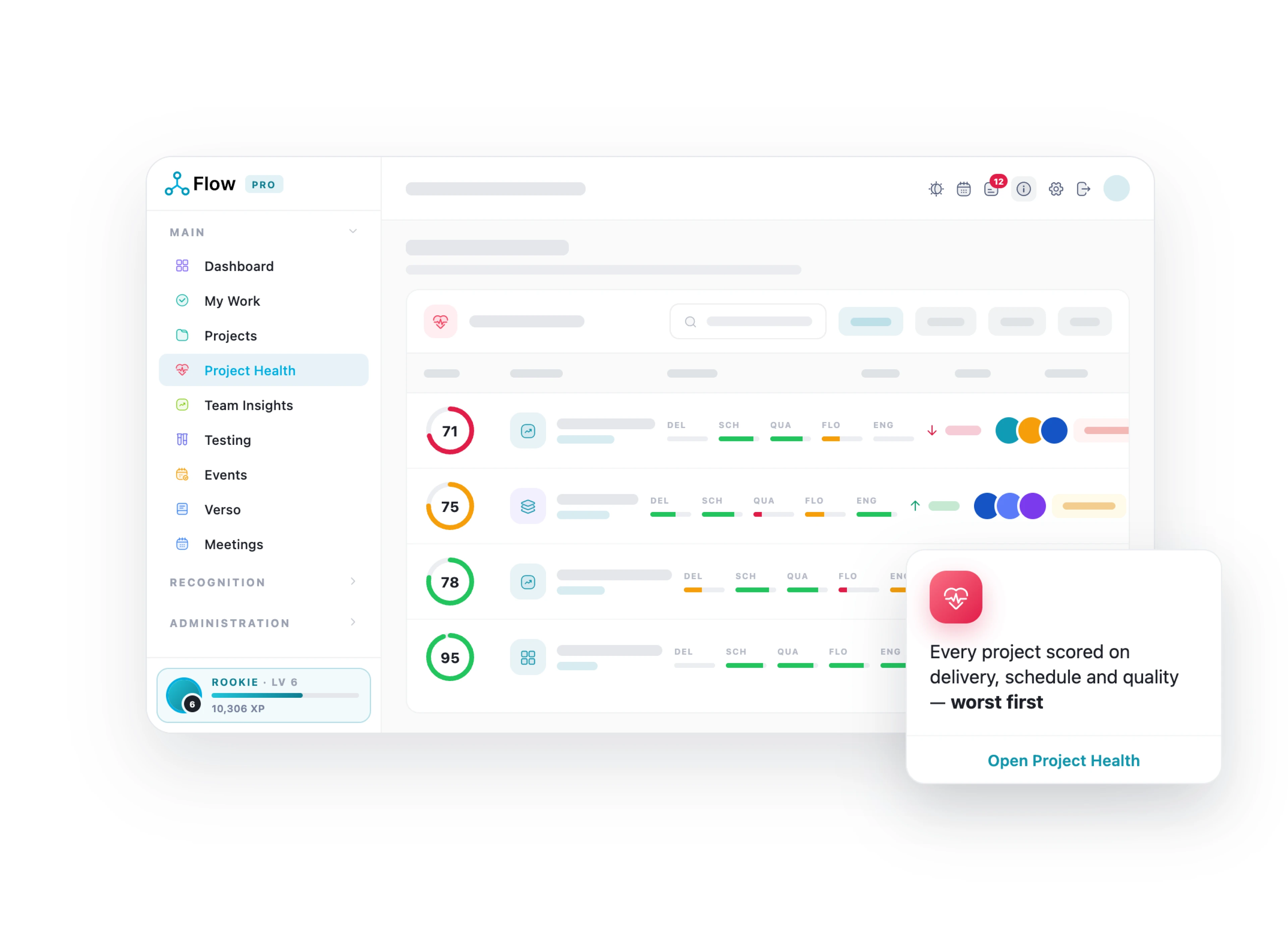
Set up once. Deliver from day one
Four reasons setup in Flow feels different.
-

Start on the work, not the admin
The wizard automatically provisions your columns, workflow, issue types, and wiki space, giving your team everything it needs to get started. In just minutes, your new project is fully structured, organised, and ready for delivery.
-

Scope agreed before code
The client formally accepts the project scope upfront, creating clear alignment from the start. If anything is rejected, it comes back with a written reason—no vague emails, unclear feedback, or guesswork.
-

Speak the client’s language
Rename Flow’s terminology and define custom issue types for each project, so your boards use language that feels natural to your team and speaks directly to the way your clients work.
-

Only the modules you need
Twelve configurable toggles per project let you tailor Flow to exactly what your team needs. A two-person build can stay simple and focused without looking or feeling like an enterprise programme.
LivexFlow pricing
Start free. Yes, Freeee!
Grow when the work does
Simple, transparent pricing per person, per month, all in rand. Save 20% when you choose annual billing and get more value from every seat.
-
Free
R0
Kick off your first project
Start Free -
Team
R199
Unlimited projects for your whole team
See what’s inside -
Most Popular
Pro
R349
The full delivery engine, with proof
See what’s inside -
Enterprise
R697
Governance for larger portfolios
See what’s inside
The wizard sets it all up,
then gets out of your way
-

Start from a template
Templates pre-fill columns, modules and terminology, or start straight from a Trello or spreadsheet import.
-

Your words, not ours
Rename Flow’s terms to your client’s vocabulary in the details step.
-

Project ticket prefix
A short code, ACME-101, on every ticket, auto-generated and editable.
-

Twelve module toggles
Switch modules on per project, so a small build stays small.

-

Scope submission & approval
Submit the scope of work; the client formally accepts, or rejects with a reason. Recall it any time before they act.
-

Team & testers
Add and remove members, nominate a lead developer and assign testers per project.
-

Automatic provisioning
Board columns, issue types, workflow and the knowledge-base space arrive on their own.
-

Pin favourites
The projects you work most sort to the top; your grid or list preference is remembered.
-
Archive, never destroy
Deletion archives; boards, tickets and documents stay recoverable by an administrator.
How LivexFlow Works
One short walkthrough, from setting a project up to shipping it.
What makes us unique
Why choose LivexFlow
-
21
Modules, one platform
-

99.98%
Uptime, SA-hosted
-

POPIA
Compliant
-

ISO 27001
Certified · audited by BSI