
Access granted precisely.
Never all-or-nothing
One Livex sign-on for staff and clients, every screen and action gated by a named permission, and sessions that die everywhere the moment you sign out.
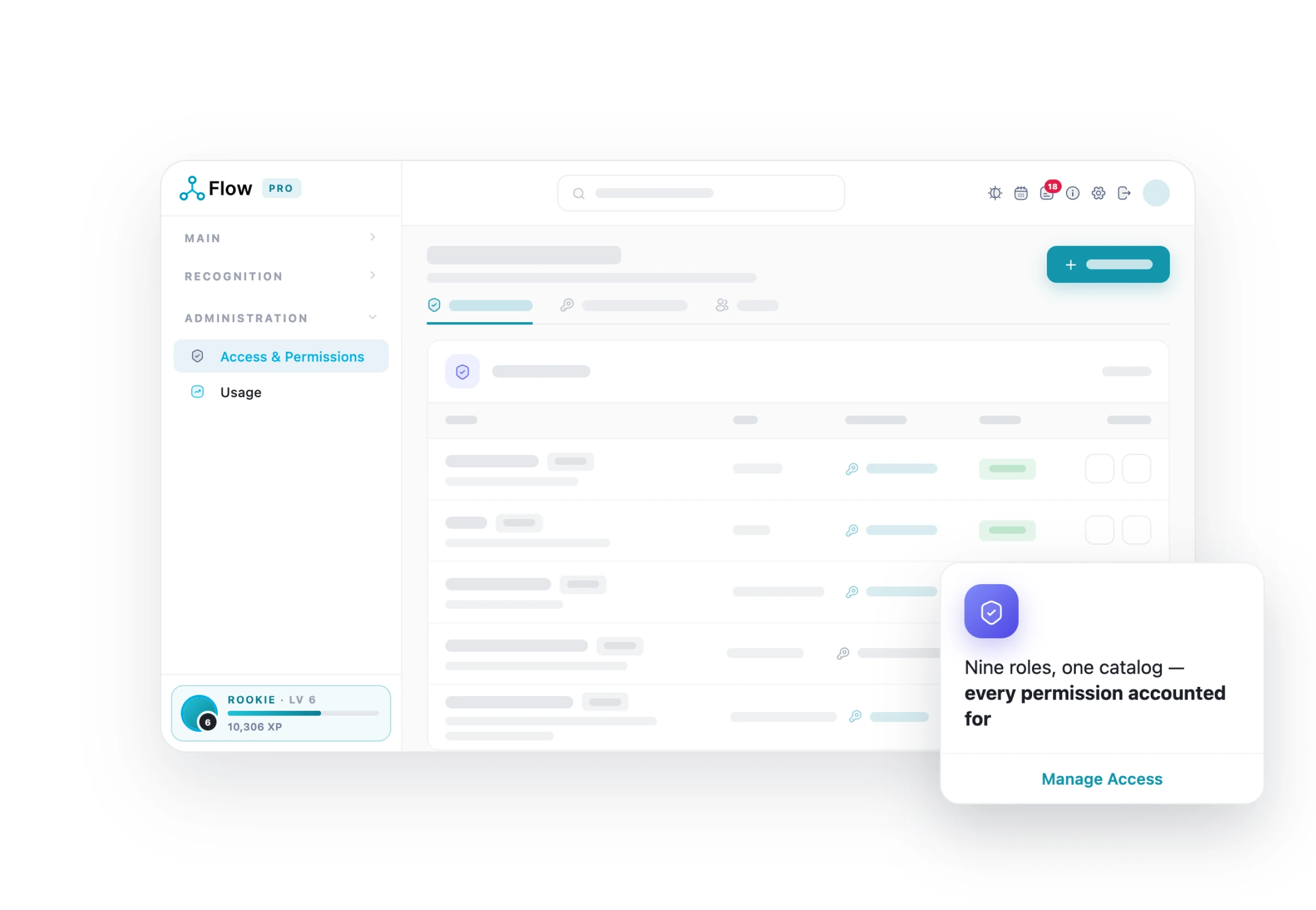
Every screen and action, gated by a named permission
Access is granted precisely rather than all-or-nothing, so a role is a starting point, not a blunt instrument.
- The permission catalogue can itself be extended and edited by an administrator
- Access is checked per project, not just per screen
- “See all projects” is an explicit grant rather than an assumed admin privilege
One grid answers “who can do what?”
Administrators create roles and tick exactly which permissions each role carries, on one grid, on an ISO/IEC 27001:2022-certified platform that stays POPIA-conscious by default.
- ISO 27001:2022 certified
- One identity across Livex
- Instant session revocation
- Permission-gated everything
- Sanitised uploads · safe errors
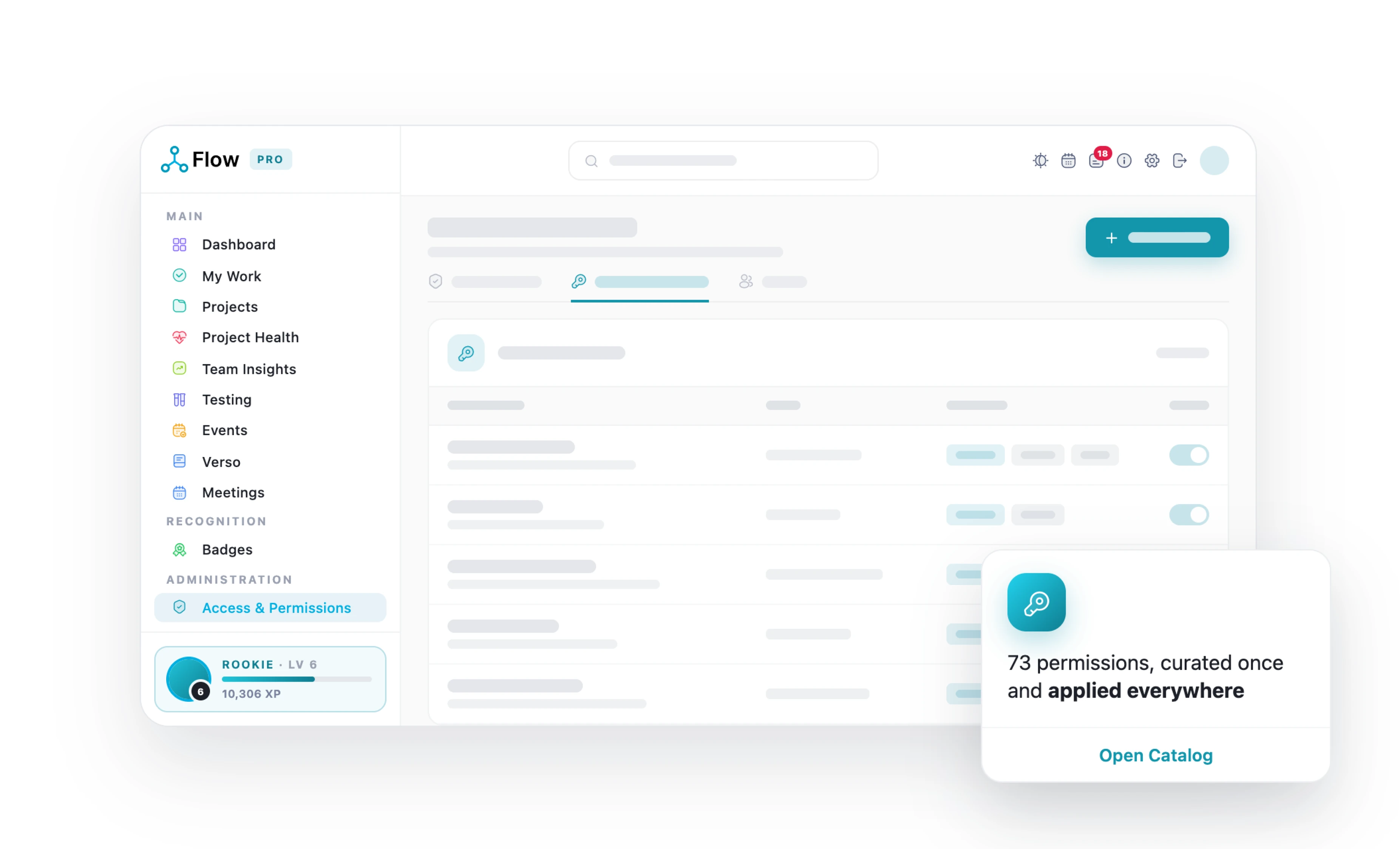
Precise access. Calm audits
Access you can explain to an auditor.
-

One identity, everywhere
Staff and clients sign in once through LivexID, with no separate Flow passwords to manage. One secure login gives the right people access to the projects and features available to them.
-

Sign out means signed out
Sign out once and LivexID immediately revokes active sessions across every Livex product. No lingering access, no separate sign-outs—just one centralised way to close every session securely.
-

Permissions, not roles alone
Set permissions through a role-based matrix, then fine-tune access with individual overrides when needed. Give every person exactly the access they require without creating endless roles or complicated permission structures.
-

See your own access
My Access shows exactly which permissions you have across your projects and features. No guessing, no chasing support—just a clear view of what you can access and why.
Locked down by default, and easy to explain
-

Single sign-on
Staff and clients sign in once through the central Livex identity rather than keeping a separate Flow password.
-
Permission-driven navigation
Menu items a user has no permission for are hidden, not shown-then-blocked.
-

Sanitised uploads
Uploaded images are sanitised before display, so a file can’t carry active content.
-

Central sign-out
Signing out of any Livex product signs the user out of Flow too, automatically.

-

Instant session revocation
A signed-out session is denied on the next request, not left to linger until it expires.
-

Safe errors
Errors show a friendly message and a reference code, and a clear page if you reach a screen you aren’t entitled to.
-

A protected owner
One protected owner account that cannot be demoted or duplicated through the app.
-
Central profile pictures
User avatars are pulled from the central identity service and shown throughout Flow.
LivexFlow pricing
Start free. Yes, Freeee!
Grow when the work does
Simple, transparent pricing per person, per month, all in rand. Save 20% when you choose annual billing and get more value from every seat.
-
Free
R0
Kick off your first project
Start Free -
Team
R199
Unlimited projects for your whole team
See what’s inside -
Most Popular
Pro
R349
The full delivery engine, with proof
See what’s inside -
Enterprise
R697
Governance for larger portfolios
See what’s inside
Keep exploring LivexFlow
See how LivexFlow turns everyday project management into a smoother, smarter experience.


